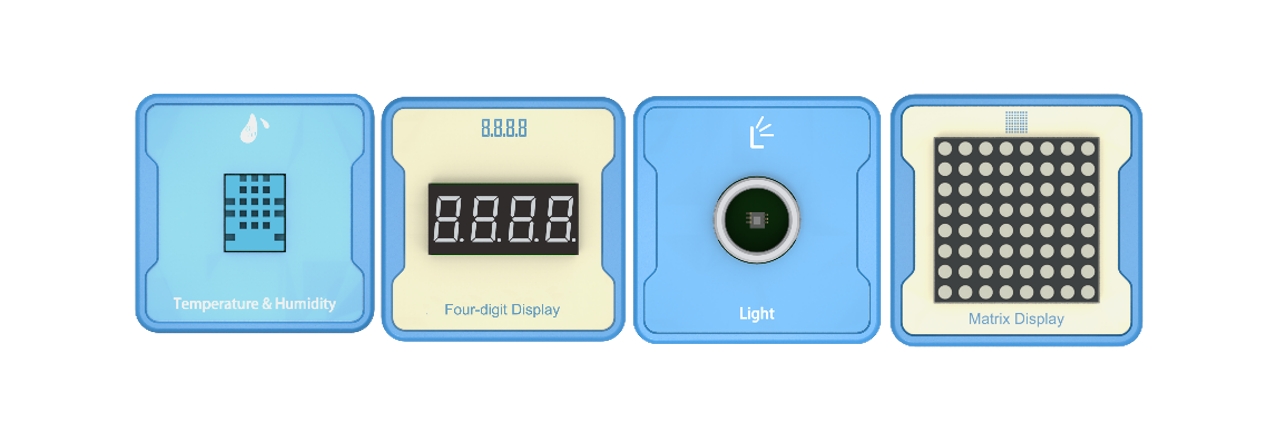
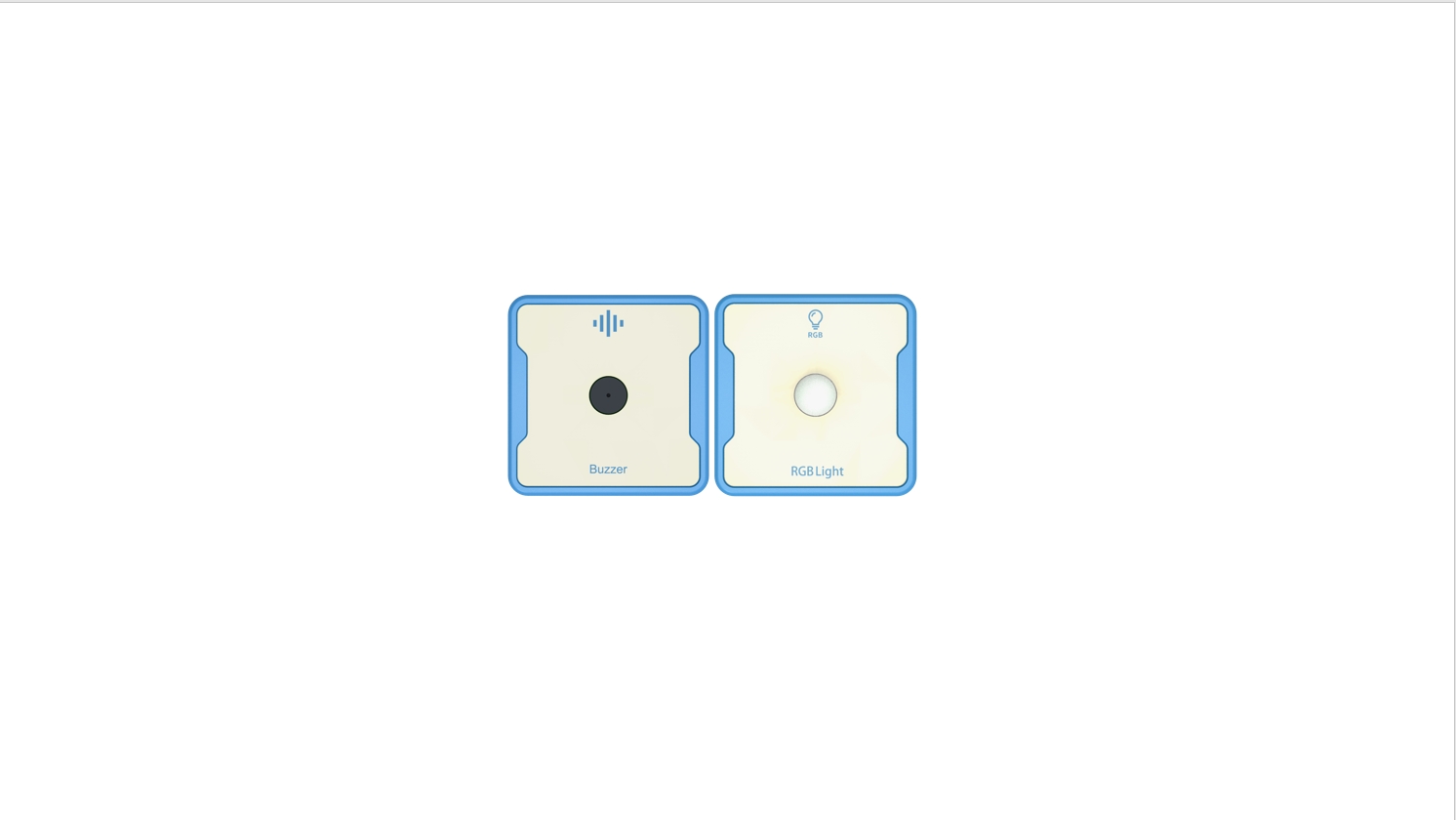
1.Teaching objectives (knowledge preparation)
Understand sound intensity sensors.
The automatic switching of RGB lights can be controlled through programming.
Can be combined with real-life application scenarios and project devices.
2.Teaching tasks
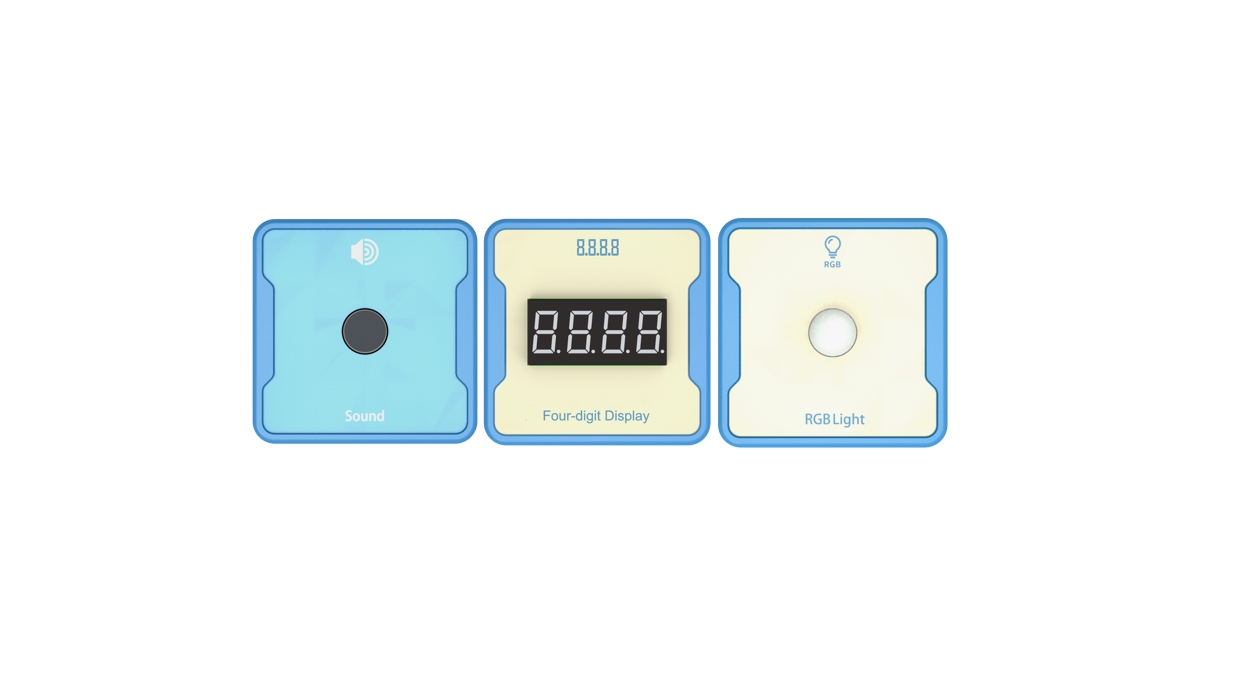
Using switch sensors and sound intensity sensors to achieve automatic switching of RGB lights using sound.
3.Preparation of teaching environment and equipment
Equipment Serial Number Table
| Serial number | number | equipment | Specifications | quantity |
| 1 | Sound intensity sensor | 1 | ||
| 2 | RGB lights | 1 | ||
| 1 |
Software: Smart Code programming software.
Hardware: SMART Code kit: sound intensity sensor, and RGB light.
Detailed List of Structural Components
| Serial number | number | equipment | Specifications | quantity |
| 1 | 3-hole beam | 12 | ||
| 2 | 7-hole beam | 4 | ||
| 3 | 13-hole beam | 4 | ||
| 4 | T-shaped beam | 4 | ||
| 5 | Black sales | 36 |
Note: Materials required to fix a set of sensors: 6 3-hole beams, 2 7-hole beams, 2 13 hole beams, 2 T-shaped beams, and 18 black pins.
4.Project Practice Process
1.Project Steps
2.According to the item list, fix the sound intensity sensor and RGB light.
Use SMART Code programming software to complete programming design.
Use SMART Code software for programming.
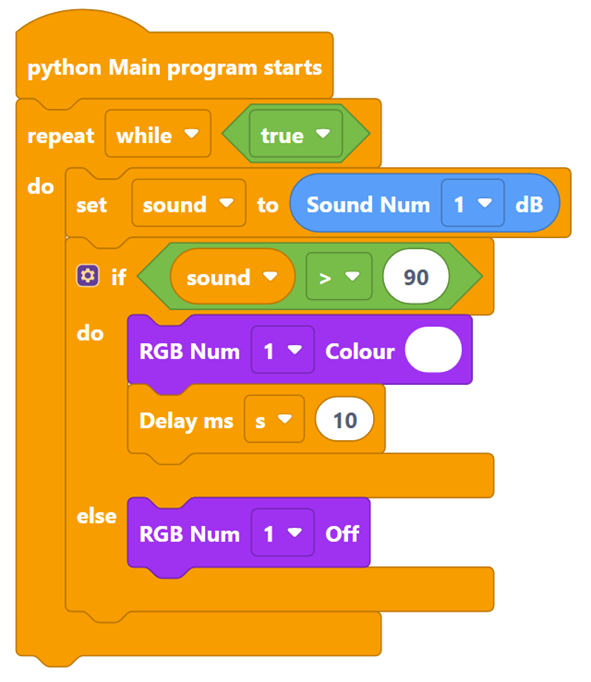
Firstly, complete the main program logic. The example code is as follows:
Then, create a variable to obtain the sound intensity sensor value. The example code is as follows:
Then, check the normal ambient sound decibel value on the main controller, obtain the threshold for sound control, and control the RGB lights to turn on and off. The example code is as follows:
Finally, complete the entire code. The example code is as follows:
3.Optimization and improvement plan.
4. Interesting thinking:
3.Reflection and discussion:
Experimental results
Data records: Table 1 and Table 2
Experimental conclusion:
5.Extension and Expansion
Reflection and exploration:
Question 1:
Question 2: