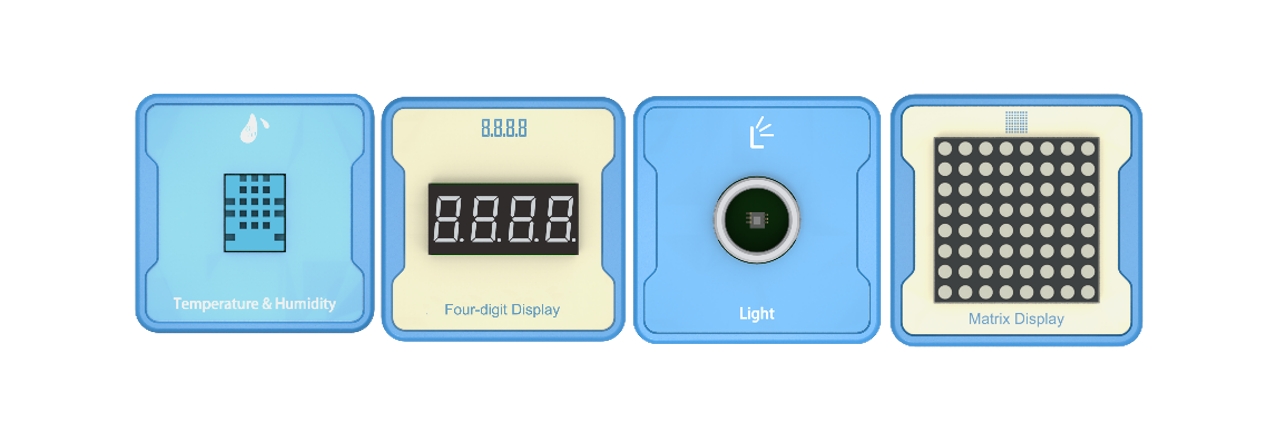
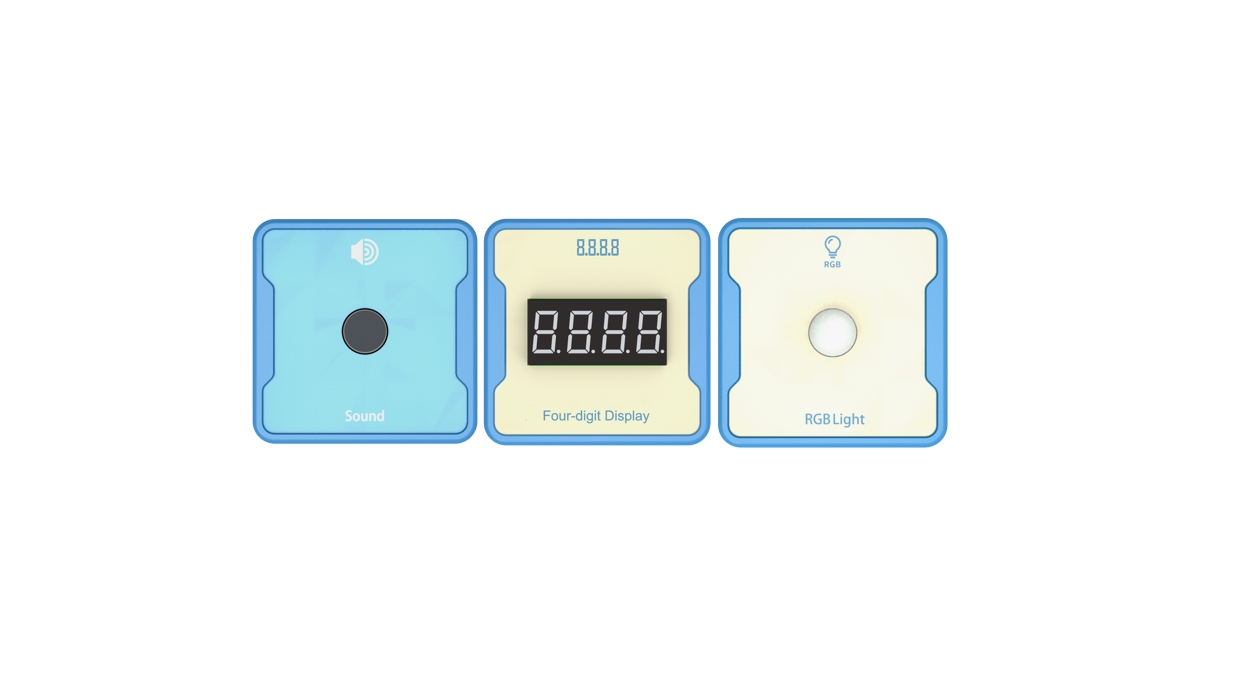
Introduction: Use a sound intensity sensor to obtain the decibel value of sound. Reflect the values on four digital tubes. Then use RGB lights to display the noise status.
Advanced: Combined with voice switch, measure sound values, clarify the definition and range of noise.
High level: noise reduction processing.
Experiment: Physics Experiment: Propagation of Sound. The energy of sound and the harm of noise.
1、Teaching objectives (knowledge preparation)
Understand sound intensity sensors and be familiar with their use and control.
By programming with sound intensity sensors, four digit digital tubes, and RGB lights, noise detection can be achieved.
Can be combined with real-life application scenarios and project devices.
2、Teaching tasks
Use a sound intensity sensor to obtain the decibel value of sound. Reflect the values on four digital tubes. If the sound exceeds the set decibel value, the RGB light will display red, otherwise the green light will remain on.
3、Preparation of teaching environment and equipment
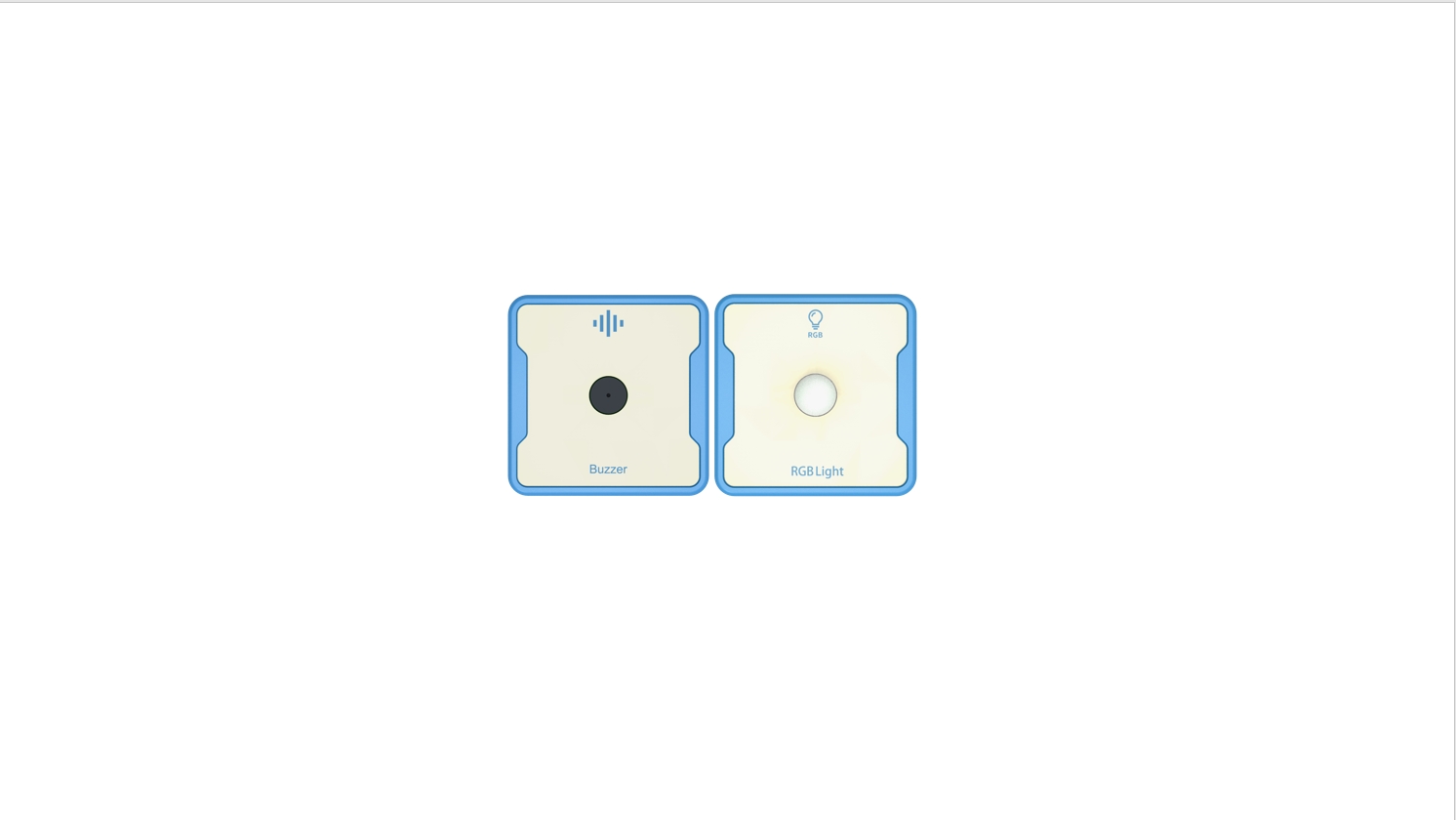
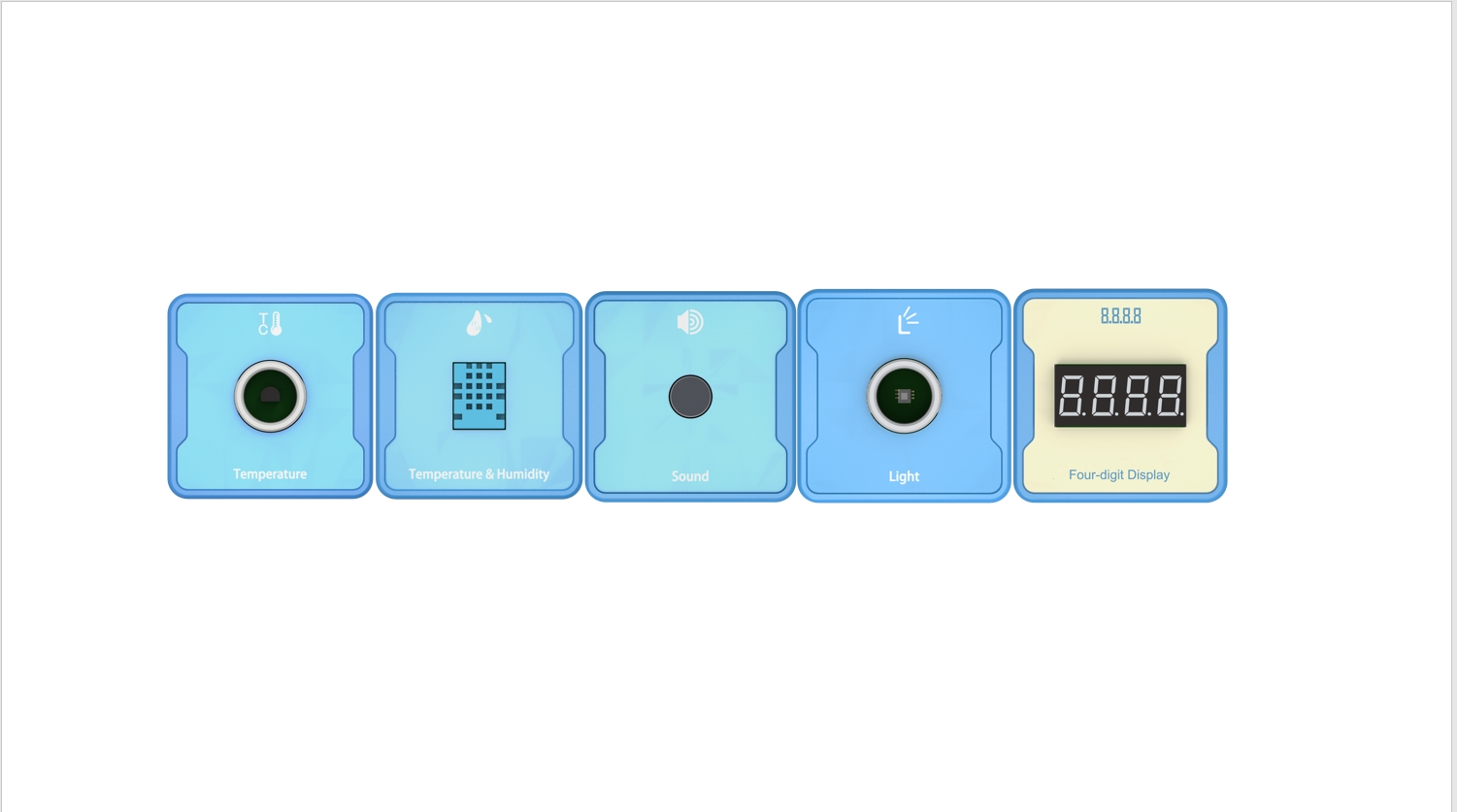
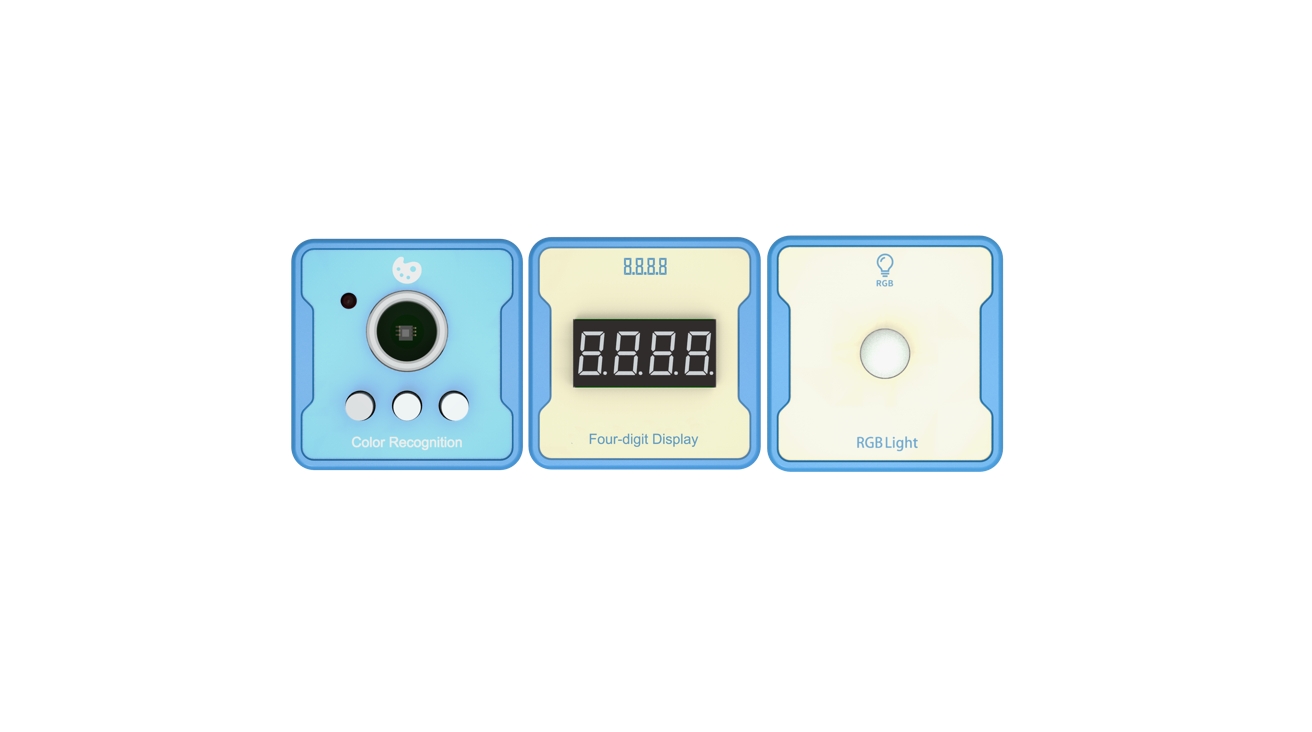
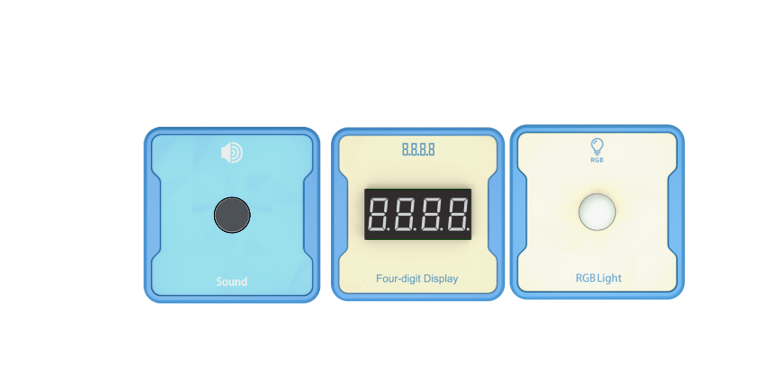
Equipment List: Image (with label number 123456)
Equipment Serial Number Table
| Serial number | number | equipment | Specifications | quantity |
| 1 | Sound | 1 | ||
| 2 | Four digit digital tube | 1 | ||
| 3 | RGB Light | 1 | ||
Software: Smart Code programming software.
Hardware: SMART Code kit: Sound, Four digit digital tube, RGB Light.
Other: Several building block devices.
Detailed List of Structural Components
| Serial number | number | equipment | Specifications | quantity |
| 1 | 3-hole beam | 18 | ||
| 2 | 7-hole beam | 6 | ||
| 3 | 13-hole beam | 6 | ||
| 4 | T-shaped beam | 6 | ||
| 5 | Black sales | 54 |
Note: Materials required to fix a set of sensors: 6 3-hole beams, 2 7-hole beams, 2 13 hole beams, 2 T-shaped beams, and 18 black pins.
4、Project Practice Process
(Summary of Knowledge Points: 1. Components. 2. Program Modules. 3. Program Design)
1.Project video (in video format)
2.Project Steps
1.Fixed sound intensity sensor, four digit digital tube, and RGB light.
2.Connect a four digit digital tube to display sound intensity data.
3.Use SMART Code software for programming.
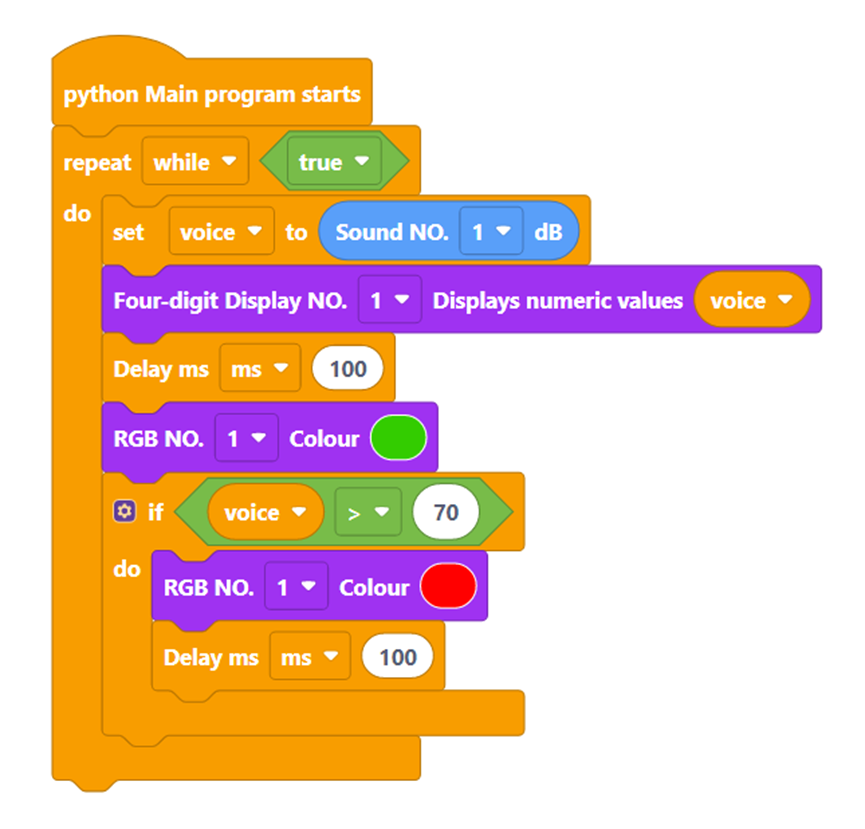
Firstly, create a program entrance. The example code is as follows:
Then, create the variable voice and assign the value obtained by the sound intensity sensor to the variable. The example code is as follows:
Then, set the display interval to 100ms each time, and determine the value of the variable. If the sound exceeds 70db, set the RGB light to red and keep it on, otherwise keep it green. The example code is as follows:
Finally, complete the entire code. The example code is as follows:
4.Fun: Combining dot matrix screens for fun displays.
3.Reflection and discussion:
Experimental results:
Data records: Table 1 and Table 2
Experimental conclusion:
5、Extension and Expansion
Reflection and exploration:
Question 1:
Question 2: