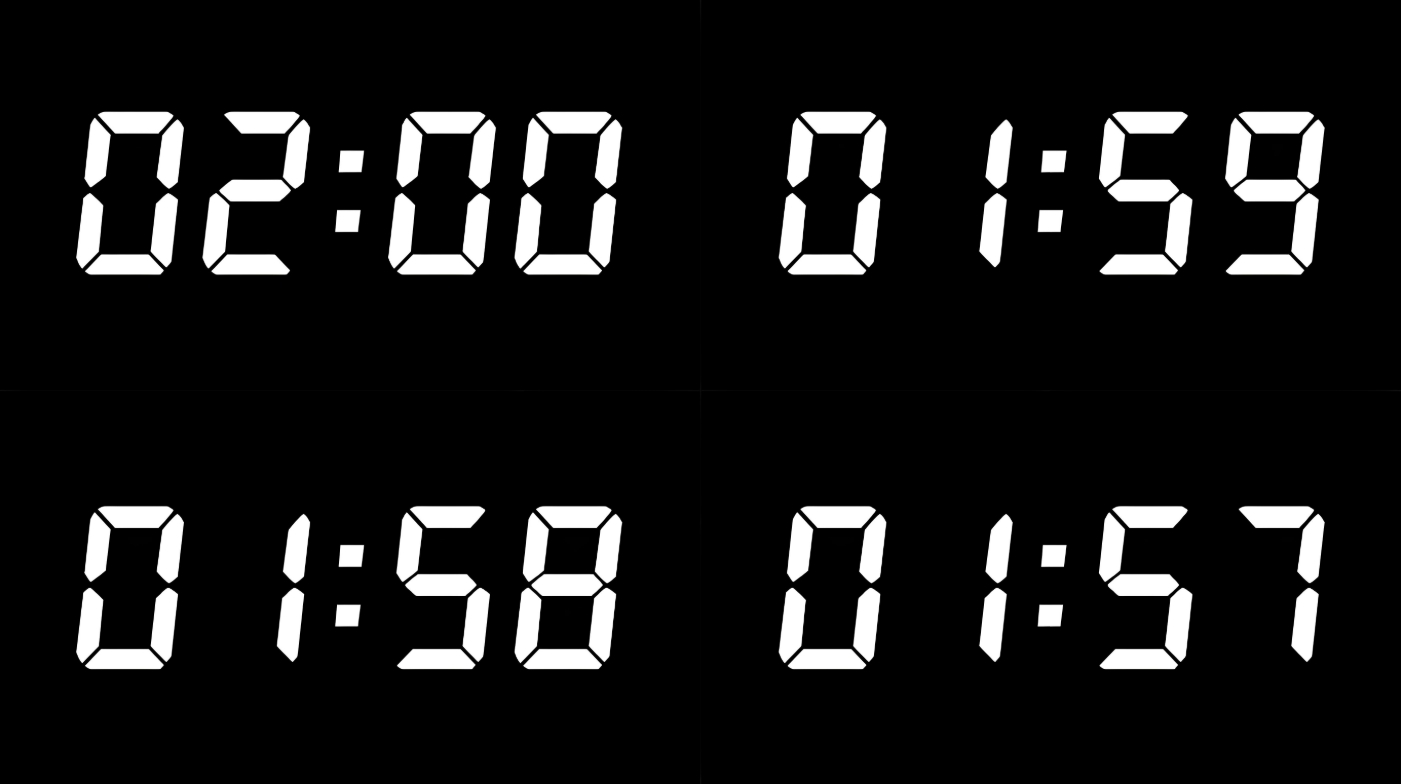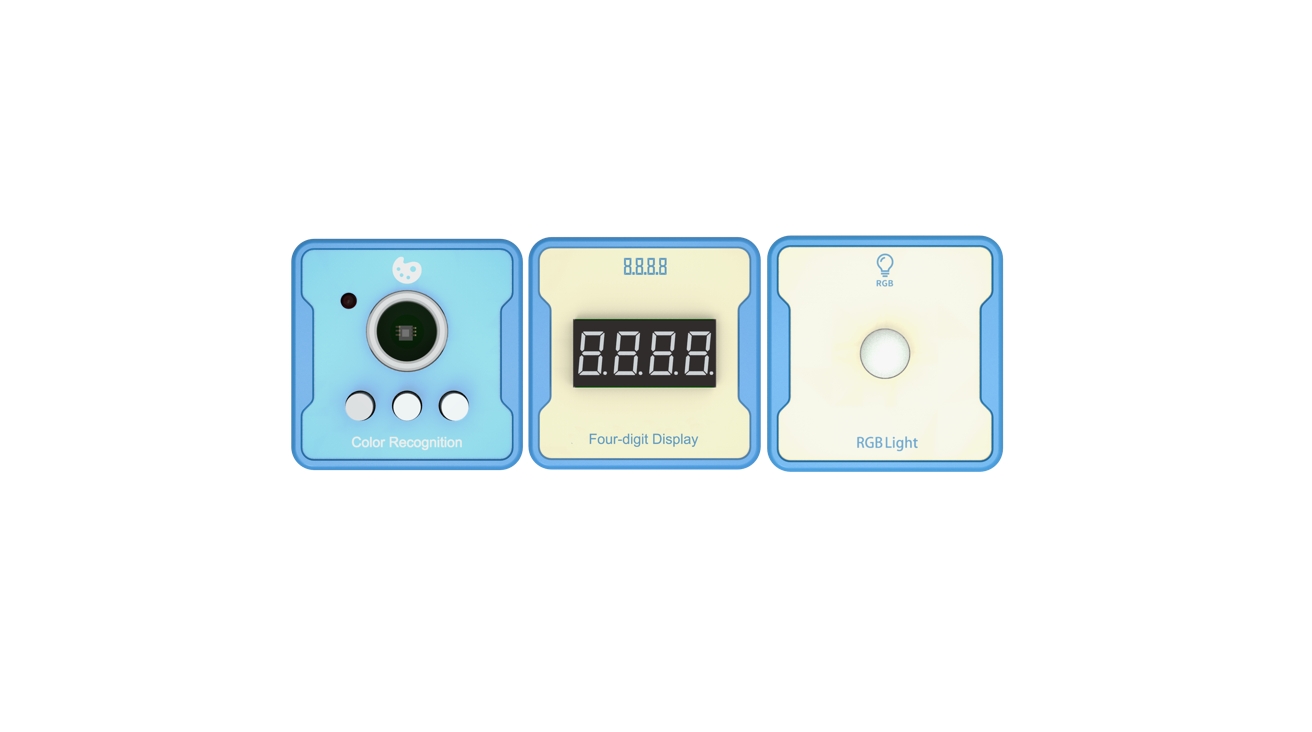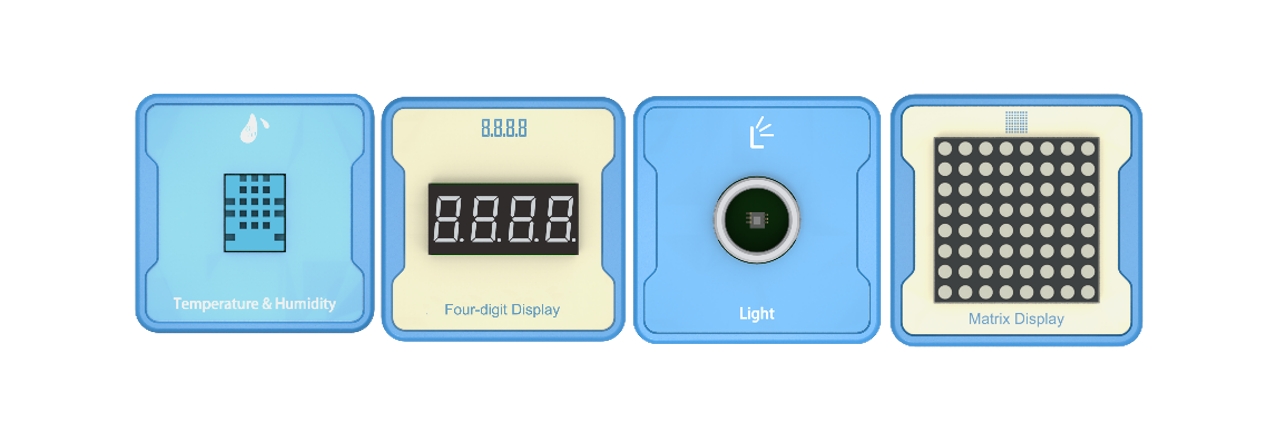
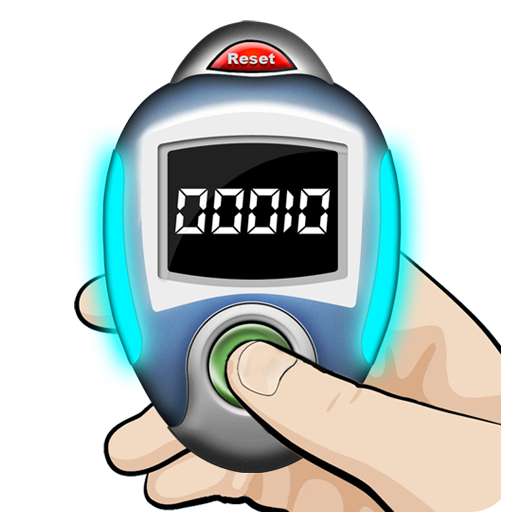
Introduction: Use a switch to count, press once to count, and finally display the number of times on a four digit digital display.
1、Teaching objectives (knowledge preparation)
Know about switch sensors, understand the control and usage methods of switch sensors.
Implement the counting effect using switch sensors through programming.
Being able to combine real-life application scenarios and apply project devices to achieve intelligent application scenarios in daily life.
2、Teaching tasks
Build a device that can use switch sensor devices to complete counting functions.
3、Preparation of teaching environment and equipment
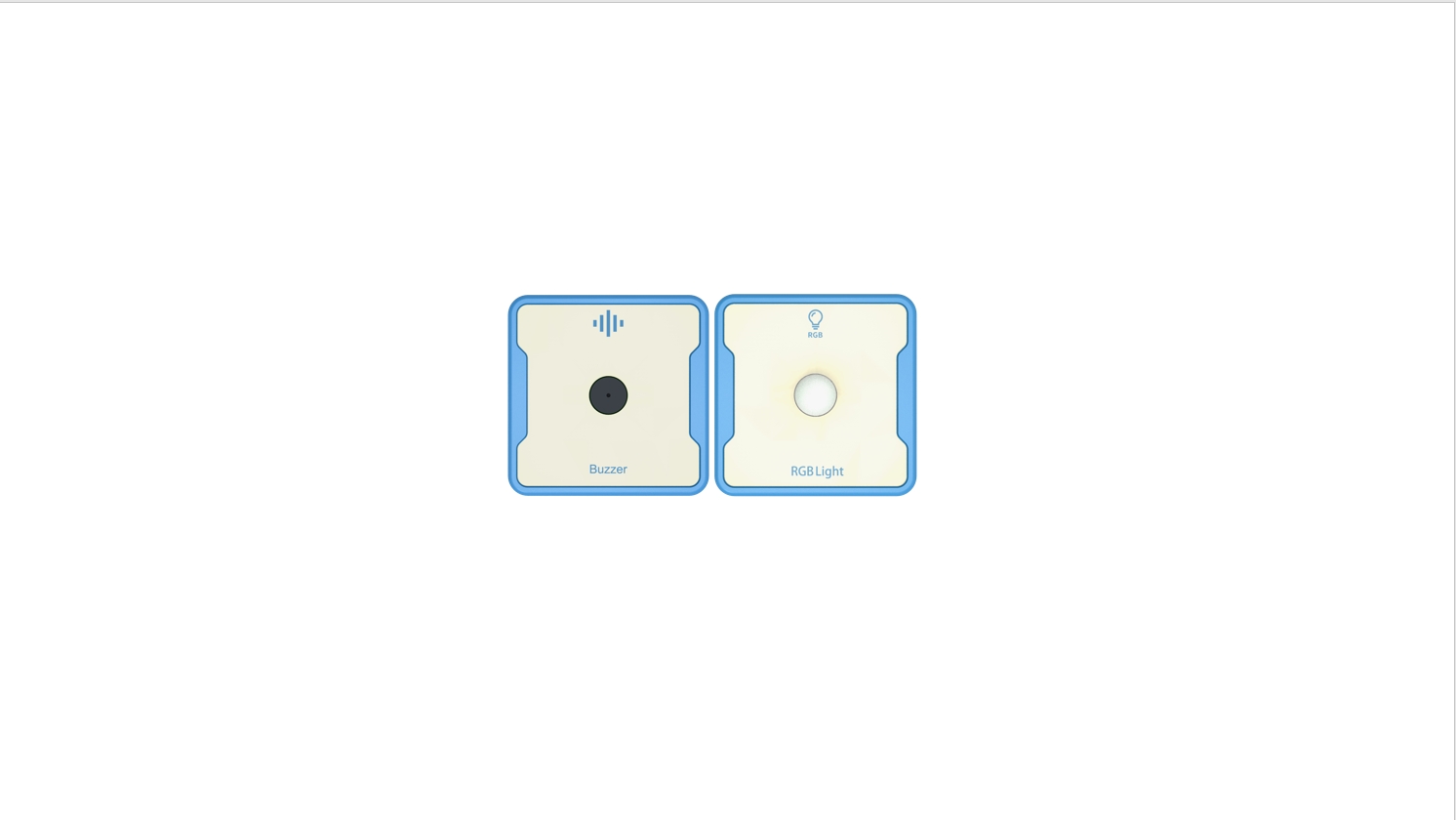
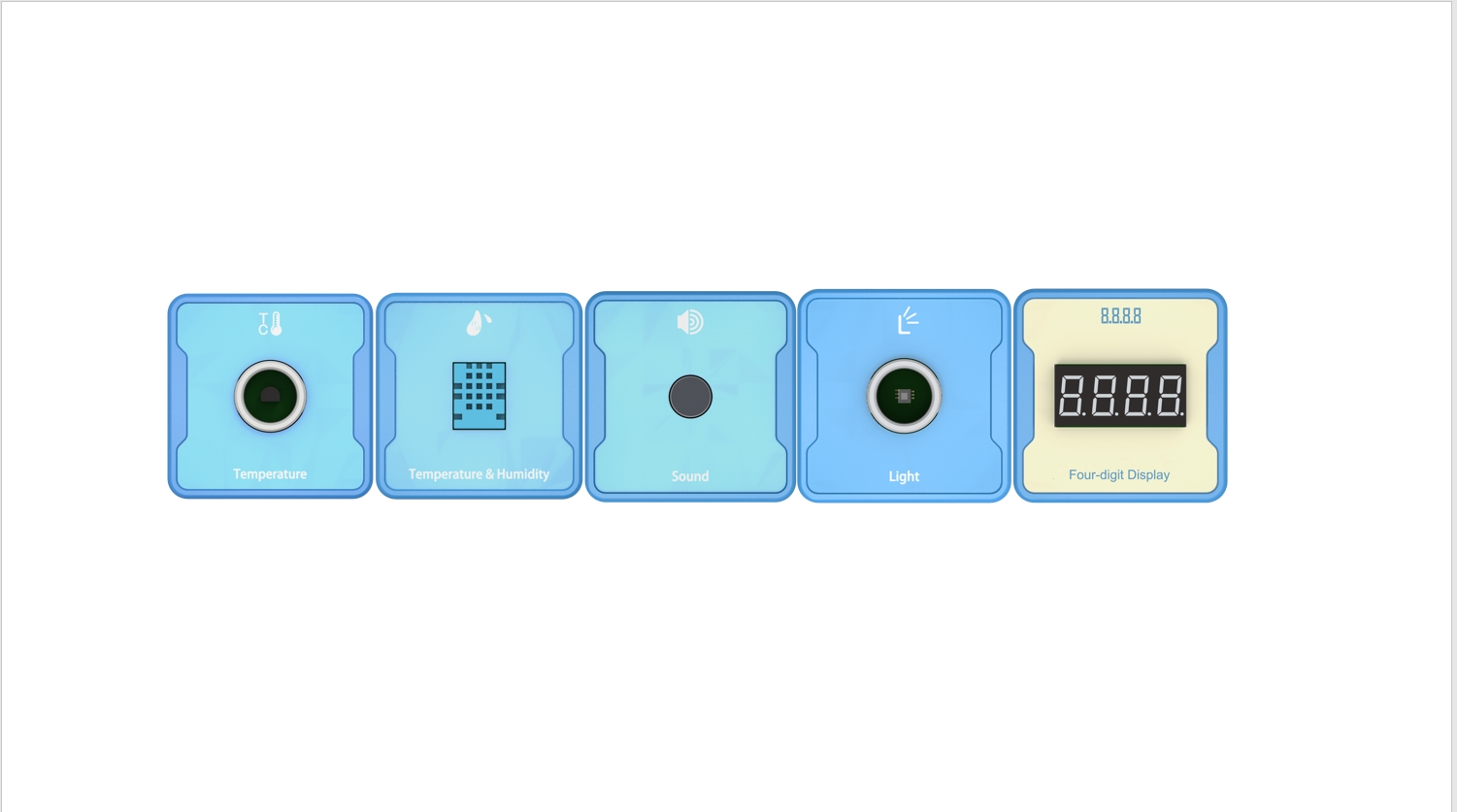
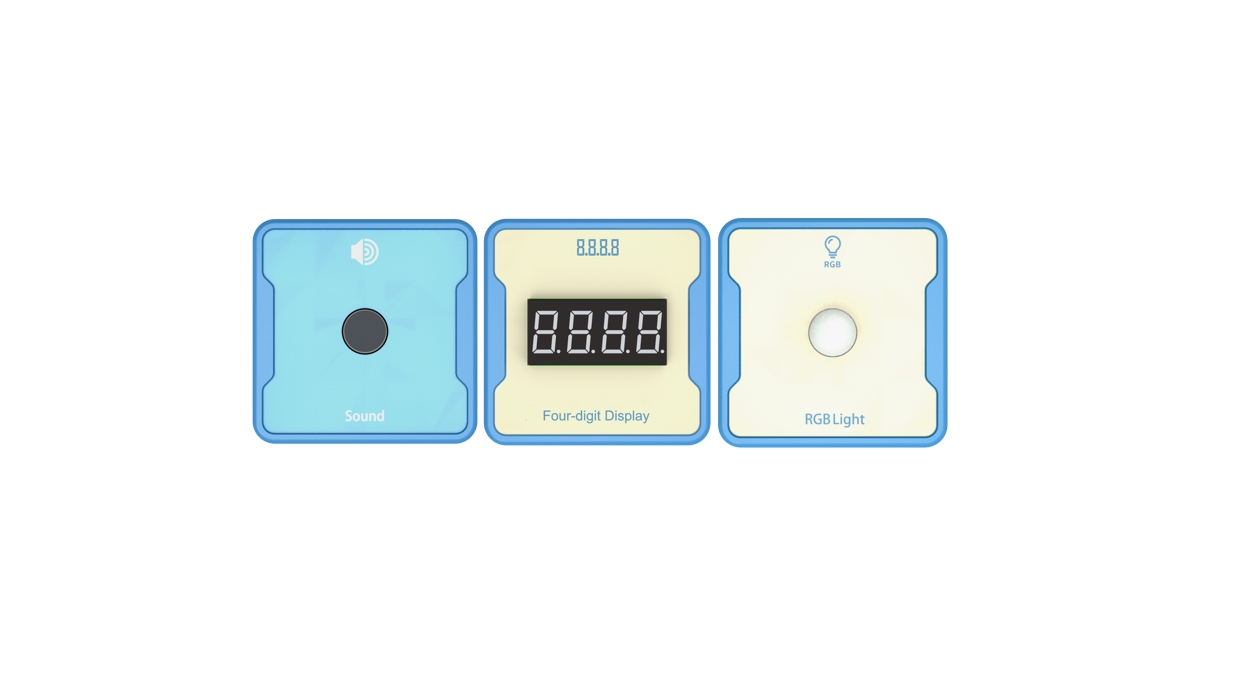
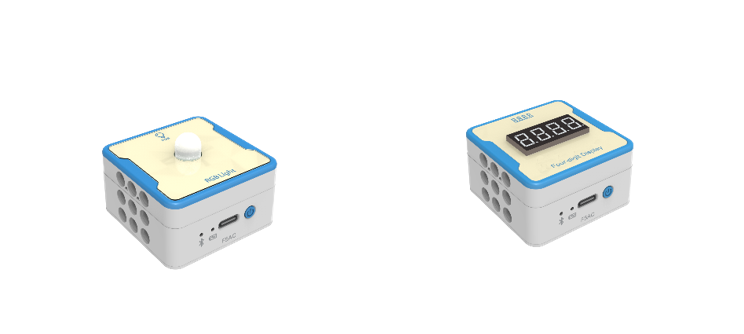
Equipment List: Image (with label number 123456)
Equipment Serial Number Table
| Serial number | number | equipment | Specifications | quantity |
| 1 | Switch | 1 | ||
| 2 | Four-digit Display | 1 | ||
Software: Smart Code programming software.
Hardware: SMART Code kit: Switch、Four-digit Display.
Other: Several building block devices.
Detailed List of Structural Components
| Serial number | number | equipment | Specifications | quantity |
| 1 | 3-hole beam | 12 | ||
| 2 | 7-hole beam | 4 | ||
| 3 | 13-hole beam | 4 | ||
| 4 | T-shaped beam | 4 | ||
| 5 | Black sales | 36 |
Note: Materials required to fix a set of sensors: 6 3-hole beams, 2 7-hole beams, 2 13 hole beams, 2 T-shaped beams, and 18 black pins.
4、Project Practice Process
(Summary of Knowledge Points: 1. Components. 2. Program Modules. 3. Program Design)
- Project video (in video format)
- Project Steps
1.Design and manufacture a simple counter device based on the item list.
2.According to the item list, fix the four digit digital tube.
3.Use SMART Code to program and control devices.
Firstly, create a program entrance. The example code is as follows:
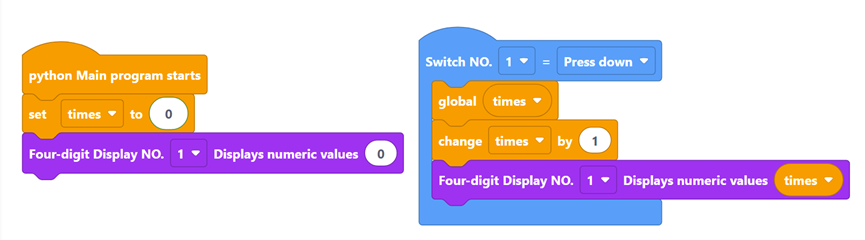
Then, create the variable ‘times’, initialize the value of the variable’ times’ to 0, and initialize the four digital tubes to 0. The example code is as follows:
Then, create a switch sensor event class statement, introduce the global variable times into the event class function, and use the global statement. Each press increases the variable ‘times’ by 1, and then displays the value of the variable’ time ‘on a four digit digital display. The example code is as follows:
Finally, complete all the logic. The example code is as follows:
4.Optimization and improvement plan.
5.Run the program to verify if the week and display match.
6.Optimization and improvement plan.
7.Interesting thinking: Counter, displayed in real-time on a four digit digital display.
- Reflection and discussion:Can multiple counting function be achieved?
- Reflection and exploration:
- Question 1:
- Question 2:
5、Extension and Expansion
Reflection and exploration:
Question 1:
Question 2: