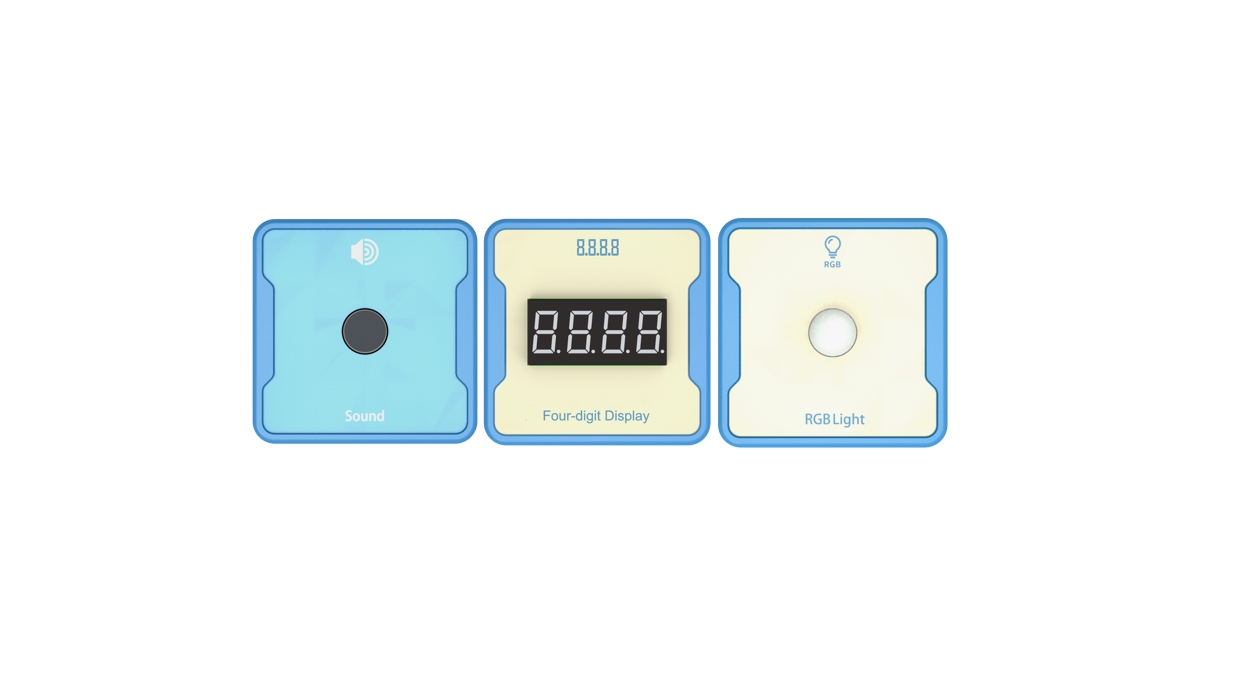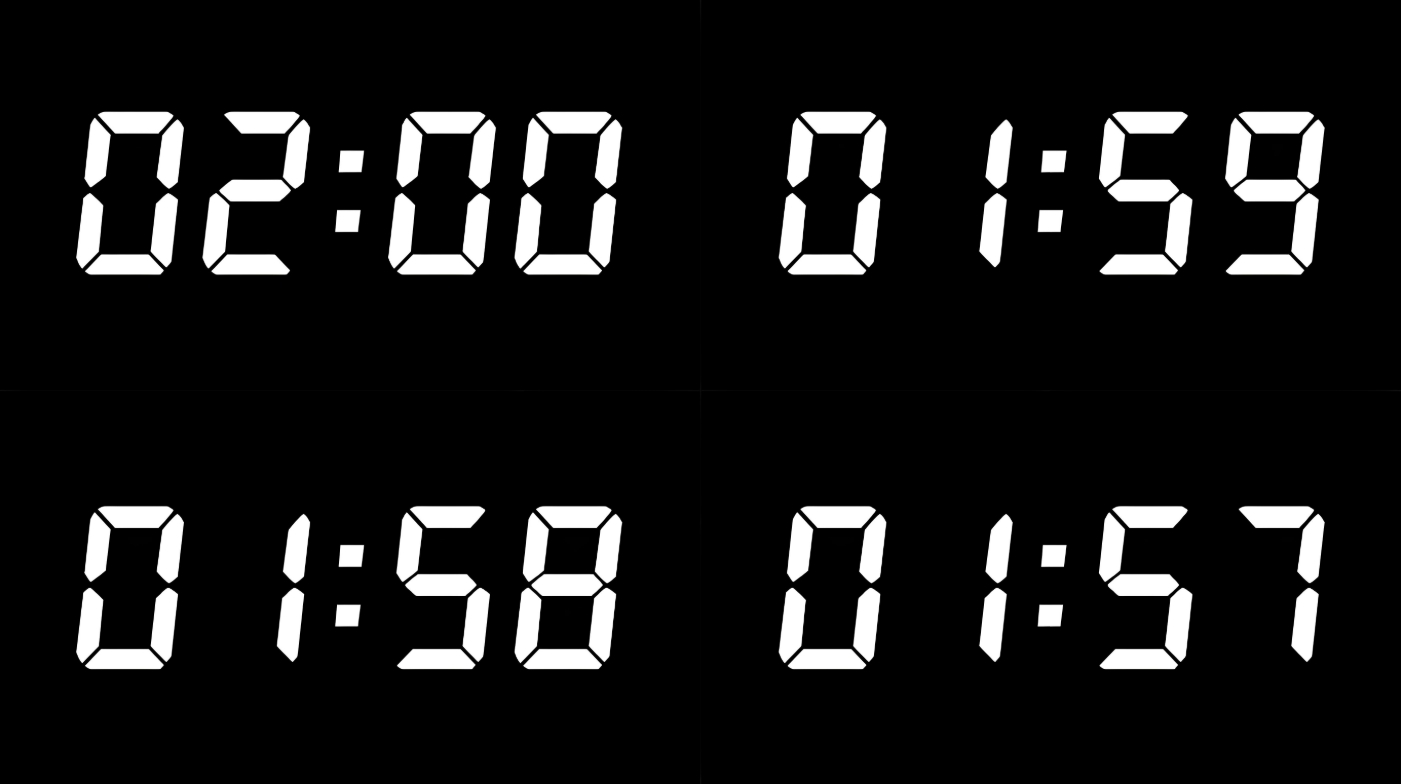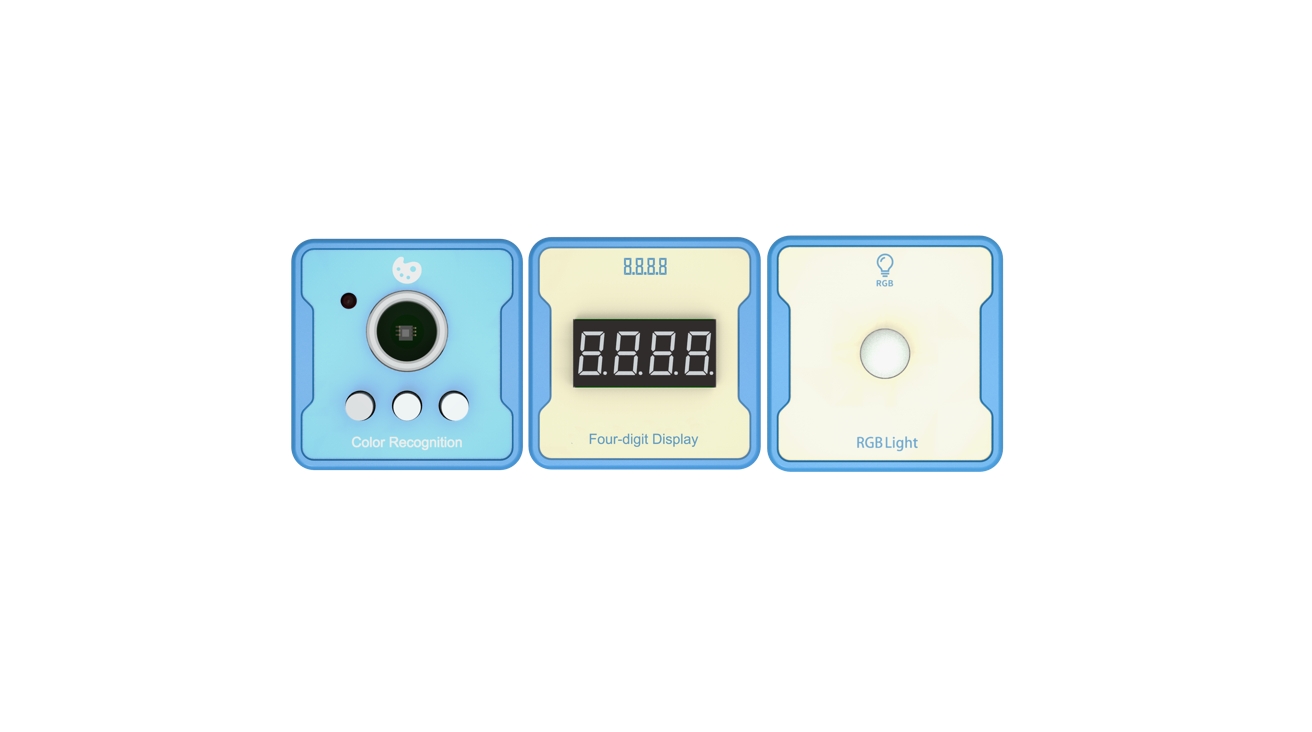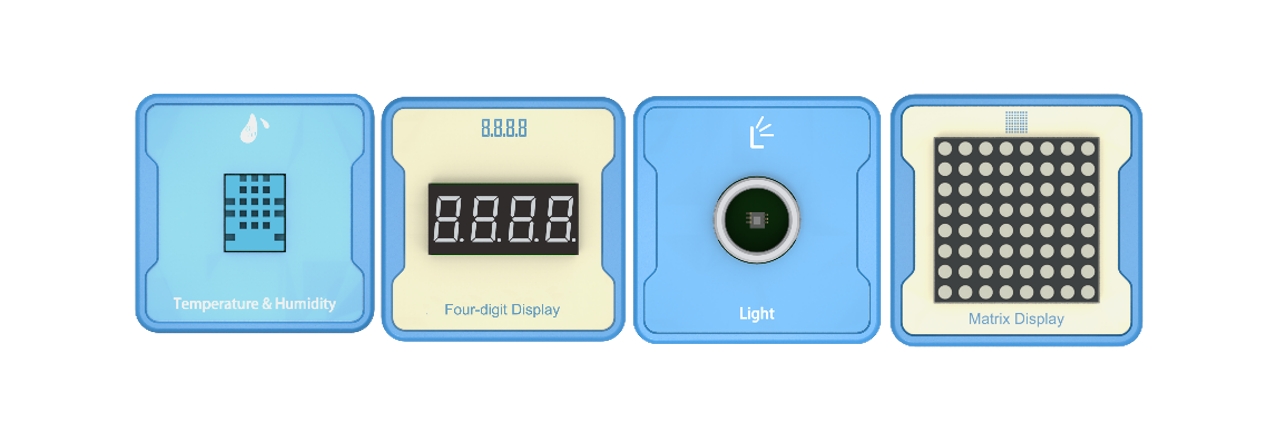

Introduction: Based on the actual week situation, display the countdown in seconds on a four digit digital tube and the abbreviation of the week on a dot matrix screen.
Advanced: Implement timed reminder function.
Advanced: Combined with a dot matrix screen, achieve the effect of scrolling subtitles.
Experiment: Currently unavailable.
1、Teaching objectives (knowledge preparation)
Get to know the four-way digital tube, understand the control and usage methods of the four-way digital tube.
Implement date and week prompts using four-way digital tubes through programming.
Being able to combine real-life application scenarios and apply project devices to achieve intelligent application scenarios in daily life.
2、Teaching tasks
Build a device that can display week and date prompts using a four-way digital display. Expansion: Combined with dot matrix screen scrolling display.
3、Preparation of teaching environment and equipment
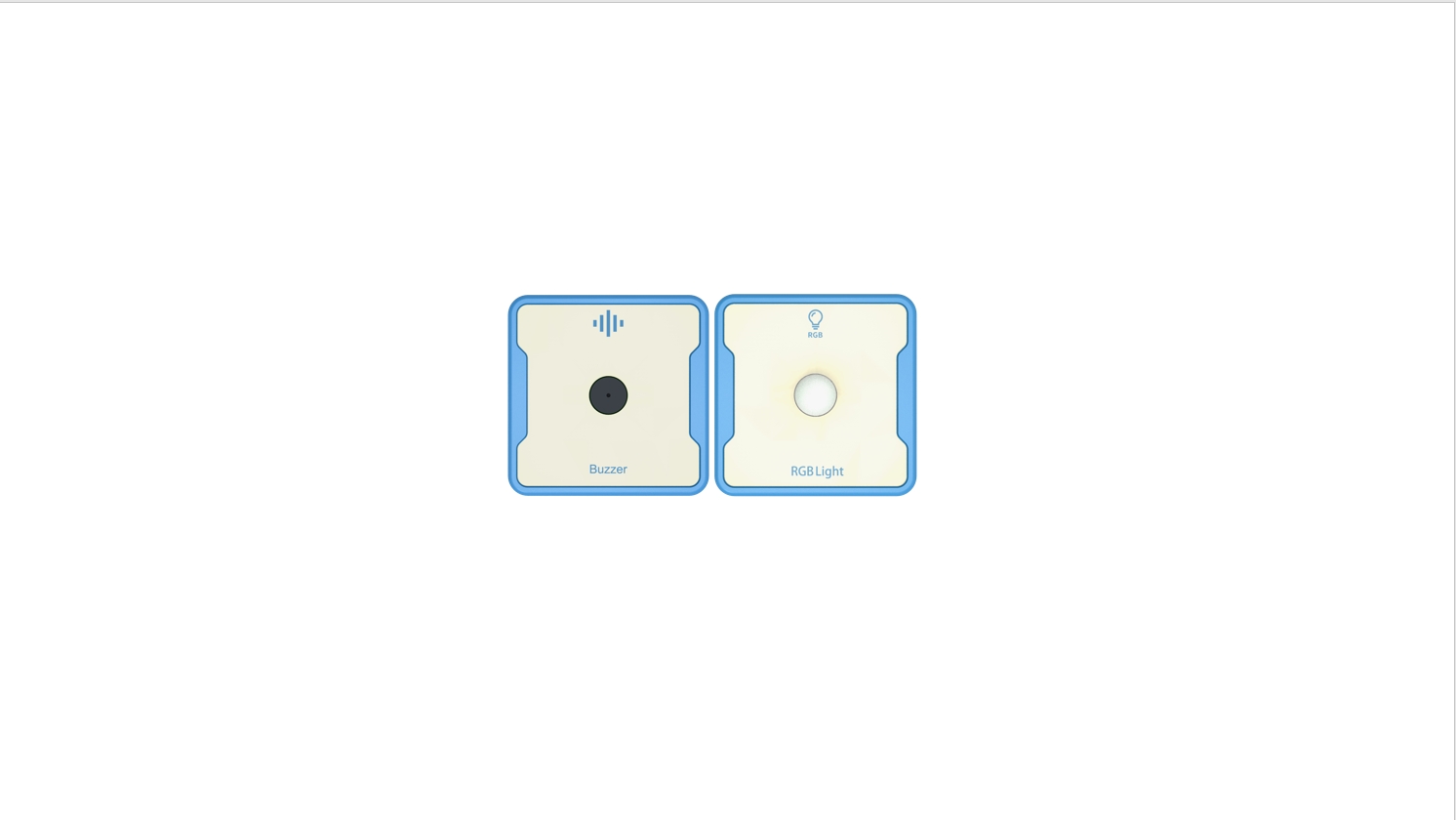
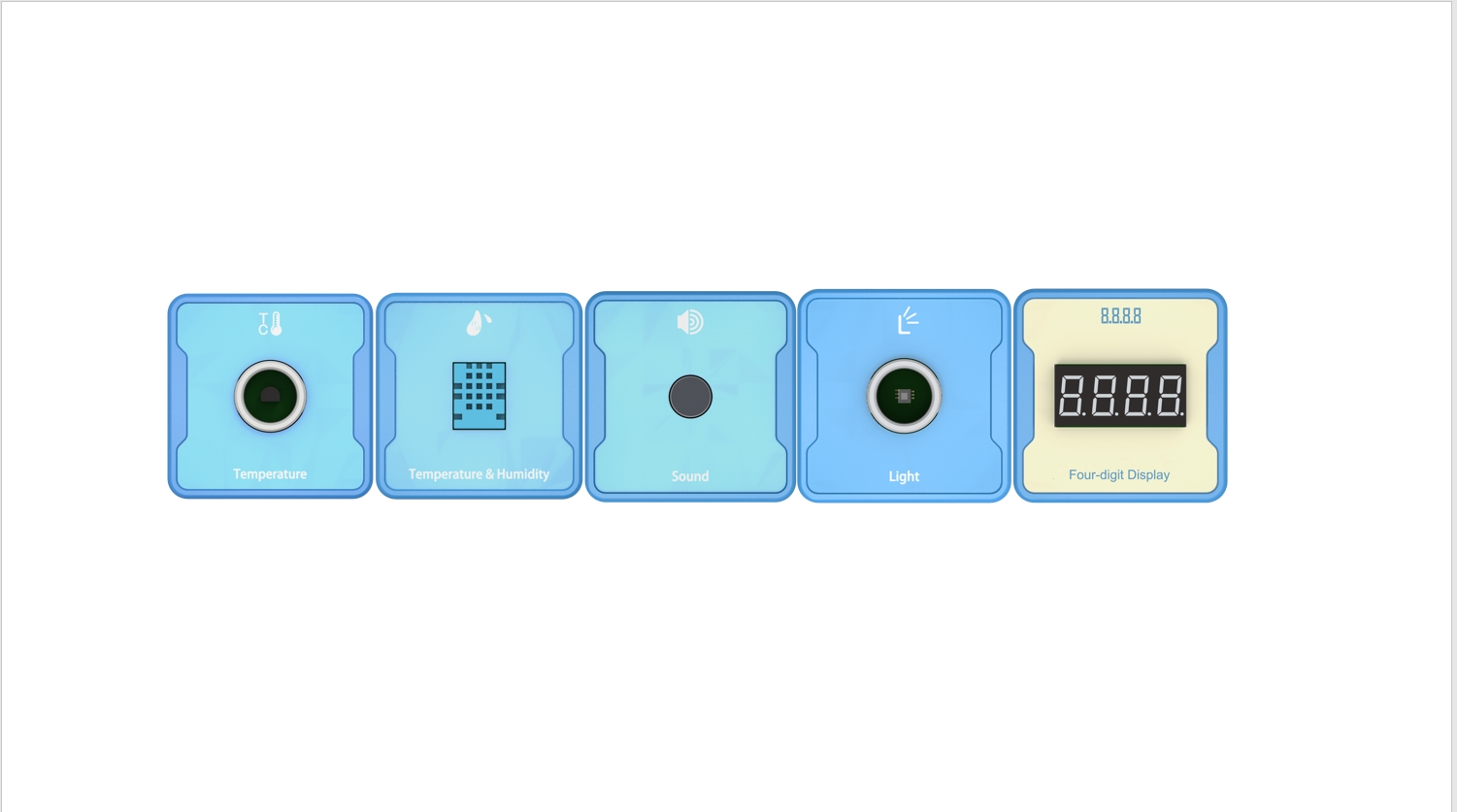
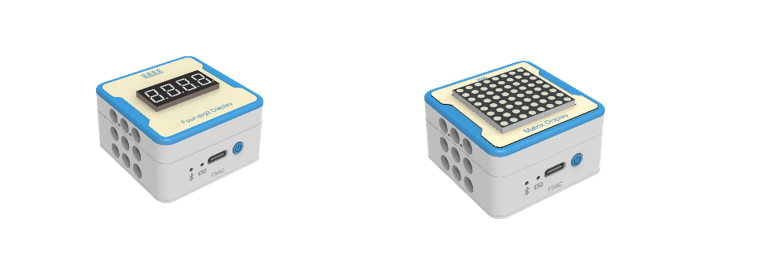
Equipment List: Image (with label number 123456)
Equipment Serial Number Table
| Serial number | number | equipment | Specifications | quantity |
| 1 | Four-digit Display | 1 | ||
| 2 | Matrix Display Dot matrix LED | 1 | ||
| 1 |
Software: Smart Code programming software.
Hardware: SMART Code kit: Four-digit Display 、Matrix Display Dot matrix LED.
Other: Several building block devices.
Detailed List of Structural Components
| Serial number | number | equipment | Specifications | quantity |
| 1 | 3-hole beam | 12 | ||
| 2 | 7-hole beam | 4 | ||
| 3 | 13-hole beam | 4 | ||
| 4 | T-shaped beam | 4 | ||
| 5 | Black sales | 36 |
Note: Materials required to fix a set of sensors: 6 3-hole beams, 2 7-hole beams, 2 13 hole beams, 2 T-shaped beams, and 18 black pins.
4、Project Practice Process
(Summary of Knowledge Points: 1. Components. 2. Program Modules. 3. Program Design)
1.Project video (in video format)
2.Project Steps
Design and create a simple weekly reminder device based on the item list.
Connect the four digit digital tube and dot matrix screen. Use building block modules to secure equipment.
Use SMART Code to program and control devices.
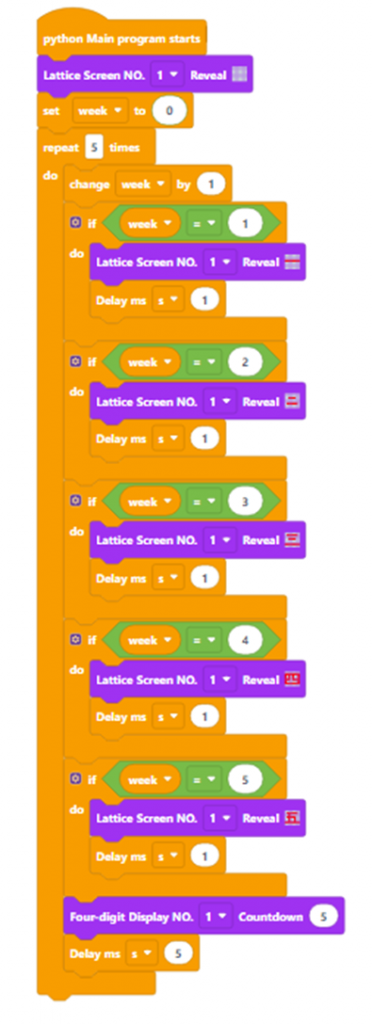
Firstly, create the main program entrance. The example code is as follows:
Then, initialize the dot matrix screen and display it completely off. We plan to have 5 days of weekly reminders, Monday to Friday. Programming time is replaced by 5 seconds instead of a day. (After successful verification, the countdown can be counted down to 86400 seconds per day, and the time interval can be set to 100ms, which means 8640 will be displayed on the four digit digital display.) Example code is as follows:
Then, create the variable ‘week’ with an initial value of 0, and increase its value by 1 every time it is repeated. The example code is as follows:
Then, determine the week value and display it on the dot matrix screen. The example code is as follows: (Note: After saving the code, the pattern on the dot matrix screen will disappear in the program, and the display pattern needs to be reset.)
Finally, complete all the logic. The example code is as follows:、
Optimization and improvement plan.
Run the program to verify if the week and display match.
Optimization and improvement plan.
Interesting thinking: The display logic of dot matrix screens, including cyclic scrolling, breathing flicker, or continuous brightness.
3.eflection and discussion:How to use programming logic to implement weekly loop scrolling?
Experimental results
Data records: Table 1 and Table 2
Experimental conclusion:
5、Extension and Expansion
Reflection and exploration:
Question 1:
Question 2: