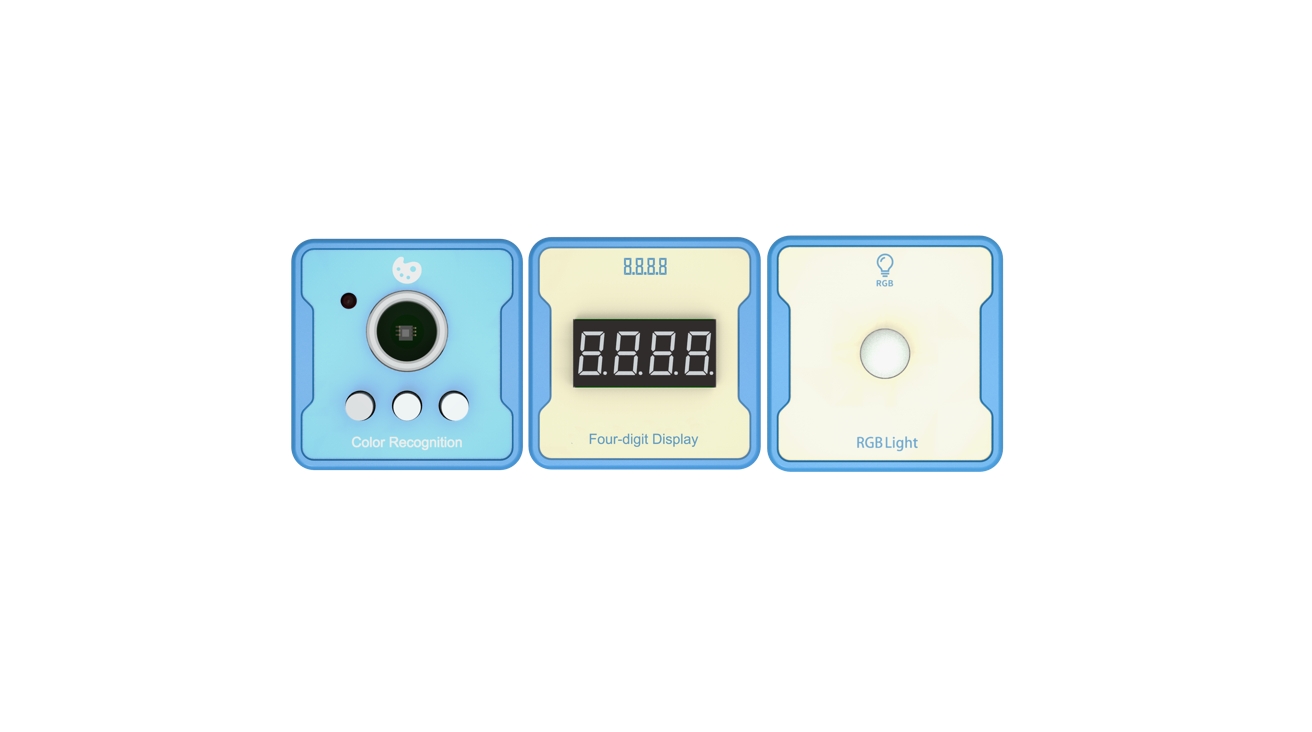
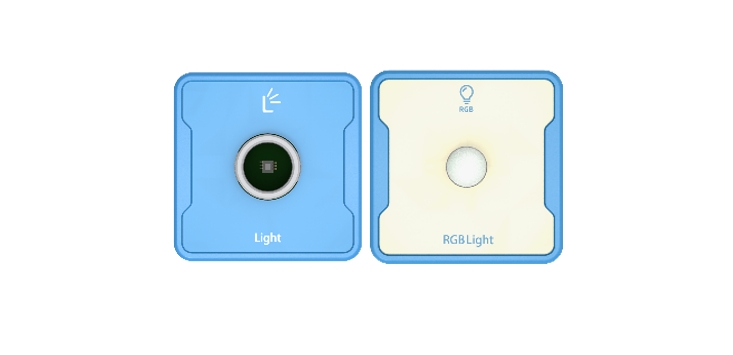
Getting started: use light intensity sensor and RGB lamp to realize intelligent photosensitive street lamp.
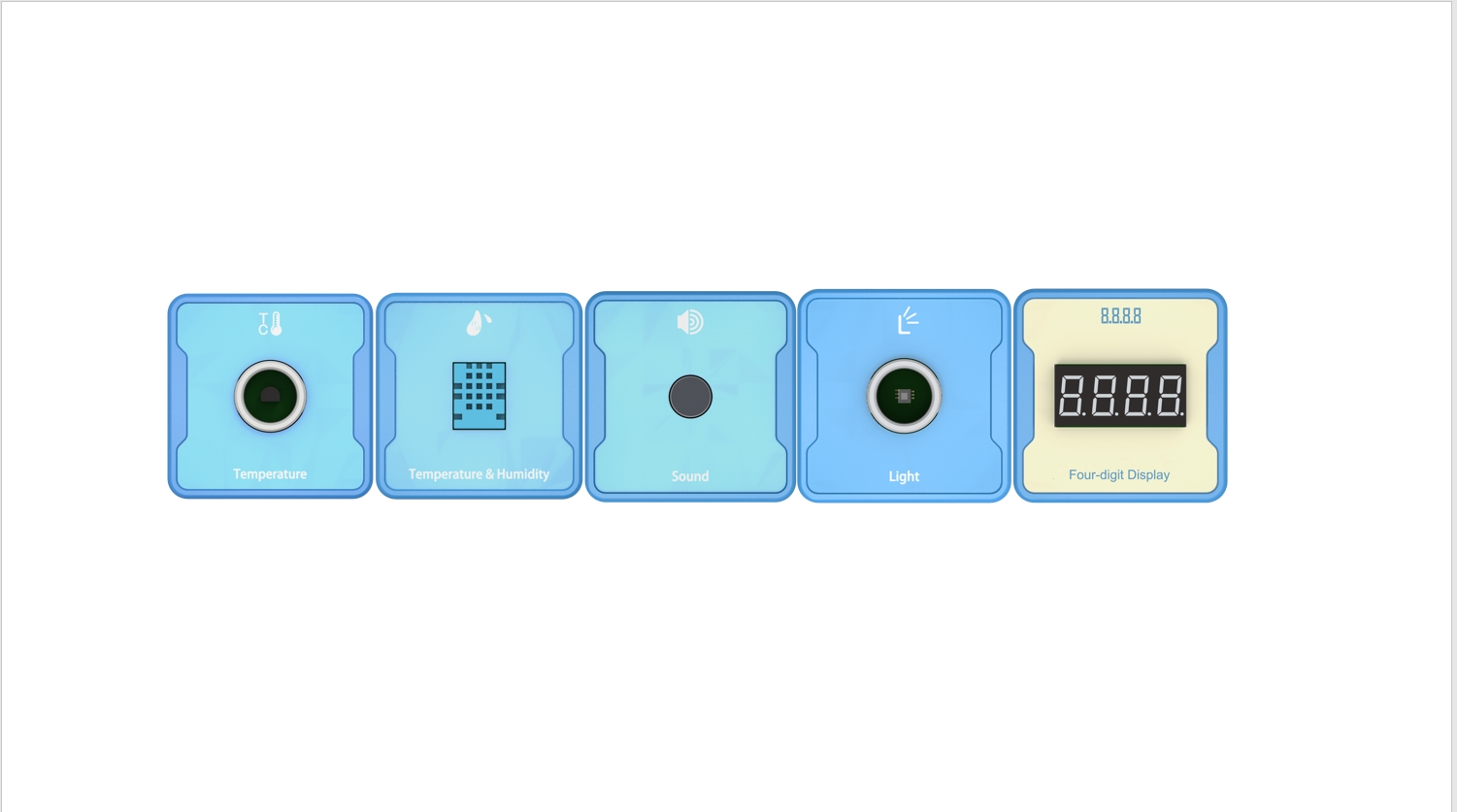
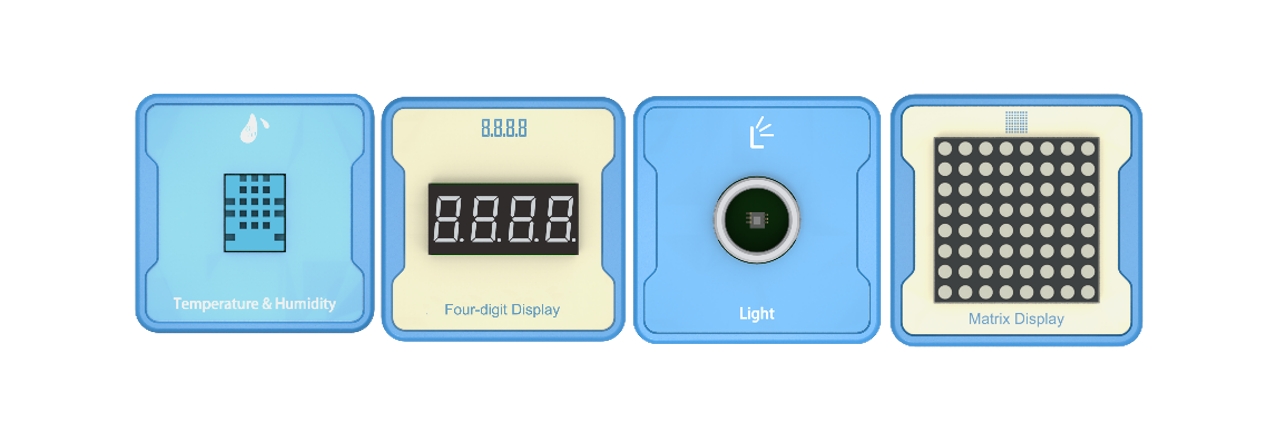
Advanced: double guarantee of dark time and light intensity, recording the time of dark and light. Four digit clock digital tube.
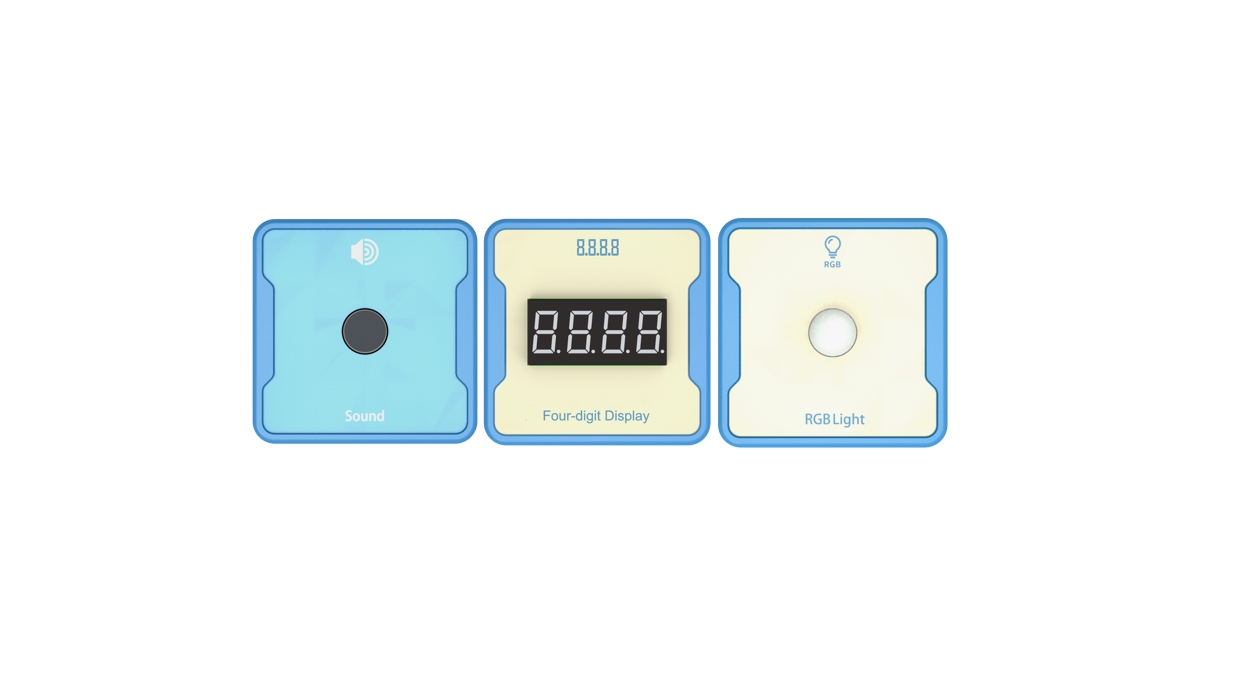
High order: jointly controlled by voice control and photosensitive switch, priority problem
Experiment: Physics Experiment: Sundial experiment.
1.Teaching objectives (knowledge preparation)
Recognize the light intensity sensor and realize the control of RGB lamp.
The task of intelligent photosensitive lamp can be realized through programming.
Be able to apply project equipment in combination with life application scenarios.
2.Teaching tasks
Using the switch sensor, light intensity sensor and RGB lamp, the RGB lamp can be switched automatically according to the light intensity.
3.Preparation of teaching environment and equipment
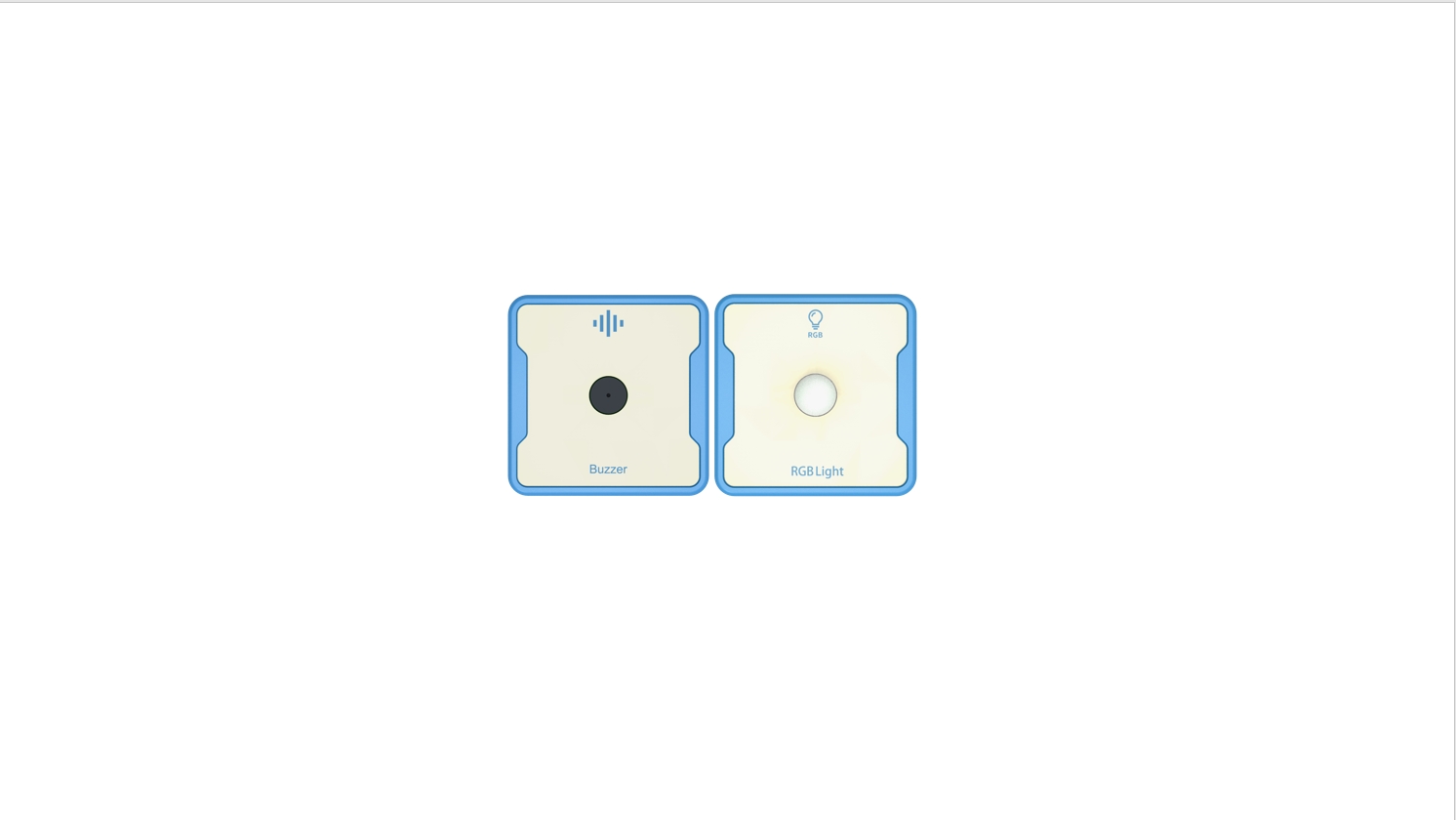
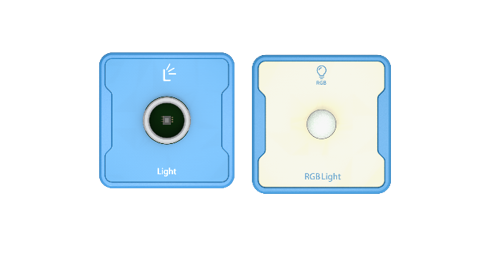
Equipment List: Image (with label number 123456)
Equipment Serial Number Table
| Serial number | number | equipment | Specifications | quantity |
| 1 | Light | 1 | ||
| 2 | RGB Light | 1 | ||
| 1 |
Software: Smart Code programming software.
Hardware: SMART Code kit: Light, RGB Light.
Other: Several building block devices.
Detailed List of Structural Components
| Serial number | number | equipment | Specifications | quantity |
| 1 | 3-hole beam | 12 | ||
| 2 | 7-hole beam | 4 | ||
| 3 | 13-hole beam | 4 | ||
| 4 | T-shaped beam | 4 | ||
| 5 | Black sales | 36 |
Note: Materials required to fix a set of sensors: 6 3-hole beams, 2 7-hole beams, 2 13 hole beams, 2 T-shaped beams, and 18 black pins.
4.Project Practice Process
(Summary of Knowledge Points: 1. Components. 2. Program Modules. 3. Program Design)
1.Project video (in video format)
2.Project Steps
1.Fix the light intensity sensor and RGB lamp according to the list of items.
2.The RGB lamp is designed and fixed with reference to the shape of the street lamp, and the light intensity sensor is placed on the top of the street lamp to ensure that the receiving light source is not blocked.
3.Use smart code programming software to complete the programming design.
First, create a program entry. The example code is as follows:
Then, the numerical display of the light intensity sensor is programmed to distinguish between day and night. The example code is as follows:
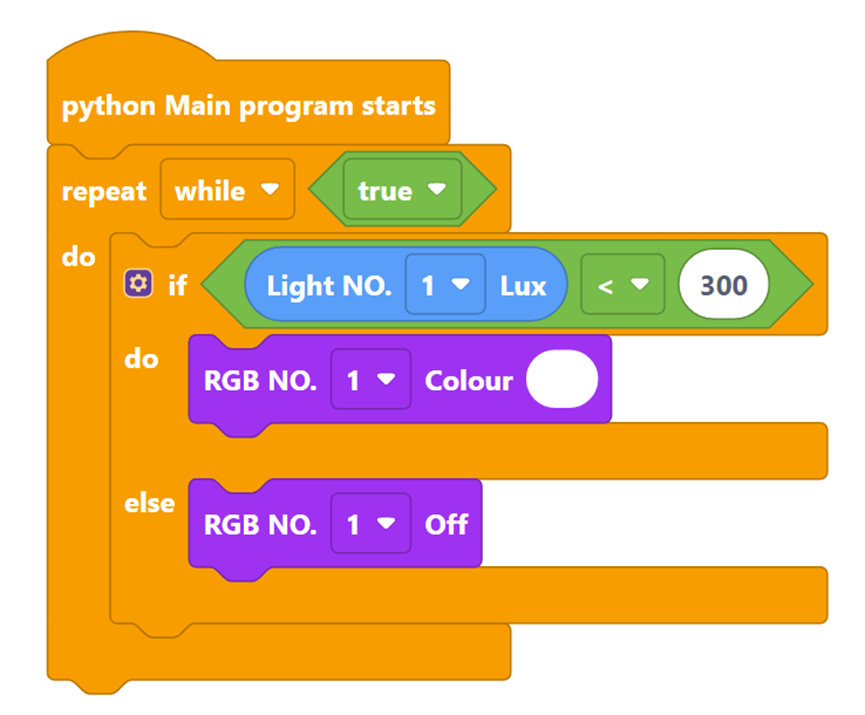
Then it combines the light intensity sensor and RGB lamp to realize the automatic switching of lights. The example code is as follows:
Finally, complete all the codes. The example code is as follows:
4.The rendering effect is similar to the real street lamp automatic switch scene in daily life.
5.Run the program, debug the switch and use.
6.Optimization and improvement plan.
7.Interesting thinking: use the sun to move and identify the direction.
3.Reflection and discussion:
Experimental results
Data records: Table 1 and Table 2
Experimental conclusion:
5.Extension and Expansion
Reflection and exploration:
Question 1:
Question 2: